Skip to Content
Main menuSONY
  • SONY
  • Sony Sites
  • Electronics
  • Support
    Support
    • Self Support
    • Contact Support
    • Community
    • Register a Product
  • Sign In
      • Sony Rewards
      • Electronics Registration
      • Electronics Community
    • Sony Sites

    Sony SupportCamcorders and Video Cameras

    Tape Camcorders

      Where is the model name located on my product
      AllDownloadsManuals & WarrantyQuestions & Answers
      Product Alerts

      Popular Topics

      Video tape importing guide
      Transfer Video To Your Computer
      Transfer photos and videos to a Windows computer using PlayMemories Home
      Transfer Video from a Digital8 or MiniDV Camcorder to a Computer
      Using your Sony Camera with a Macintosh Computer
      General information about PlayMemories Home

      Models: 288

      • Popularity
      • Alphabetical (A to Z)
      • Alphabetical (Z to A)
      • DCR-HC21
        DownloadsManualsQuestions & Answers
      • CCD-TRV65
        DownloadsManualsQuestions & Answers
      • DCR-HC26
        DownloadsManualsQuestions & Answers
      • DCR-TRV340
        DownloadsManualsQuestions & Answers
      • DCR-TRV350
        DownloadsManualsQuestions & Answers
      • DCR-TRV260
        DownloadsManualsQuestions & Answers
      • DCR-TRV460
        DownloadsManualsQuestions & Answers
      • DCR-PC100
        DownloadsManualsQuestions & Answers
      • DCR-TRV250
        DownloadsManualsQuestions & Answers
      • DCR-HC30
        DownloadsManualsQuestions & Answers

      Product Alerts

      • End of support notification for products using the Windows 10 operating system
      • PlayMemories Online Service Ending
      • Downloads ending for the Sony Raw Driver and some versions of PlayMemories Home, Action Cam Movie Creator, and MVR Studio
      • Notice of Limited Warranty Updates for Sony Electronics Inc. and Sony of Canada Ltd.

      Questions & Answers

      • How to reduce camera flickering (e.g. horizontal banding, partial or total discoloration of an image)
      • The camera battery doesn't charge
      • The BRAVIA Sync or Control for HDMI feature does not work
      • The LCD touch panel does not respond or the position of the response is off.
      • There is no picture or a black screen appears in the viewfinder or LCD when attempting to record

      Sony Support on YouTube

      Check out the official Sony Electronics Support channel

      Community

      A place where you can find solutions and ask questions
      • Product Repair

        Repair information and service assistance

      • Community

        Here you can ask questions and connect with other Sony users

      • Parts & Accessories

        Product information and sales assistance

      • Register a Product

        Keep track of all your products in one location

      • Contact Support

        Product support & customer relations

      • Support by Sony (Mobile App)

        Get Support Content on the Go!

        Get it on Google PlayDownload on the App Store

      Videos

      Open video player
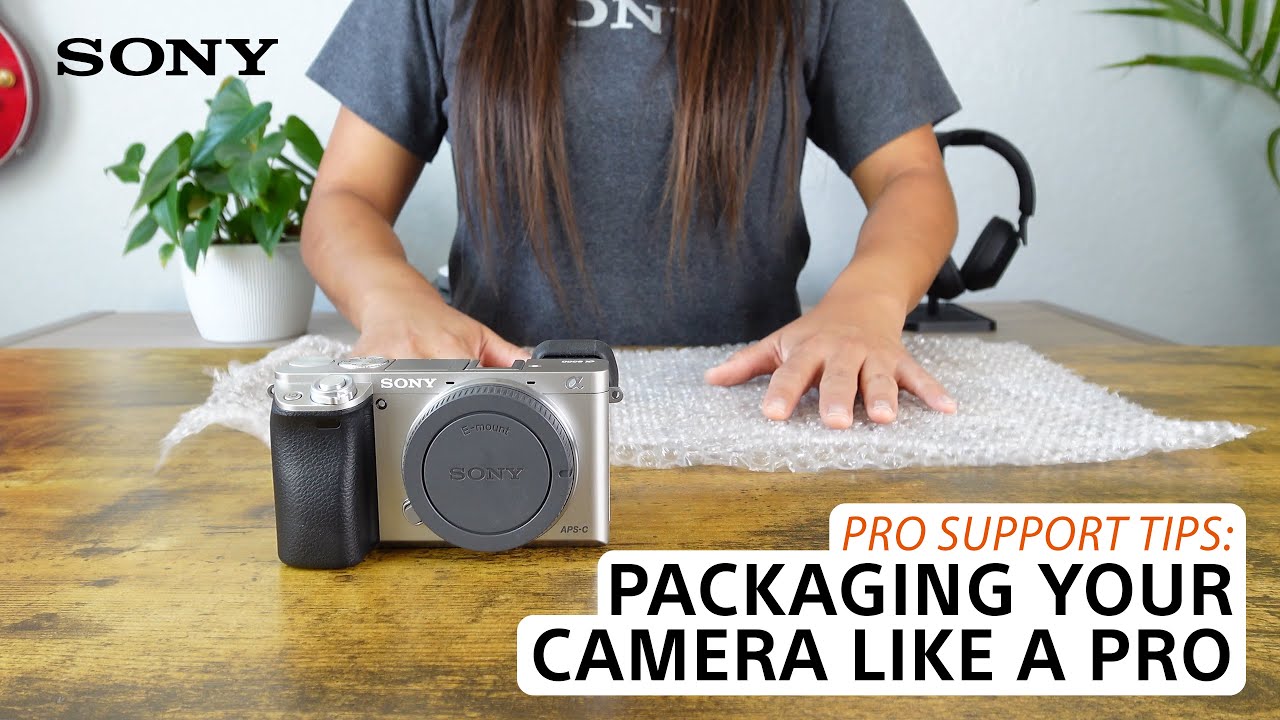
      [VIDEO] Pro support tips when packaging your camera or camcorder for shipping to service or transport
      > Watch this video in the article

      Please accept Youtube cookies to watch this video

      Access your cookie preferences below and make sure to switch on the Youtube cookie under the 'Functional' section.
      Sony Rewards
      • Join Now
      • Learn More
      • Manage Account
      Consumer Electronics
      • Press Releases
      • About Sony
      • Accessibility
      • Electronics Store
      • Electronics Registration
      • Electronics Newsletter
      • Authorized Retailers
      • Product Support
      Professional Products & Solutions
      • Technology
      • Events
      • Insight
      • Press Center
      • Recycling
      • Locate a Dealer
      • Product Support
      Other Sites
      • PlayStation
      • Sony Pictures
      • Sony Music
      United States

      CareersContact UsCompany InfoVoluntary Recall

      Like us on Facebook

      Visit us on Facebook

      Follow us on Twitter

      Visit us on Twitter

      Follow us on Instagram

      View on Instagram
      © 2023 SONY ELECTRONICS INC. (SEL)

      SEL TERMS AND CONDITIONSProfessional Terms & ConditionsSEL PRIVACY POLICYCA PRIVACY NOTICEHealth Data Privacy PolicyYour Privacy ChoicesMANAGE COOKIES