Skip to Content
Main menuSONY
  • SONY
  • Sony Sites
  • Electronics
  • Support
    Support
    • Self Support
    • Contact Support
    • Community
    • Register a Product
  • Sign In
      • Sony Rewards
      • Electronics Registration
      • Electronics Community
    • Sony Sites

    Sony SupportDVD Camcorders

    DCR-DVD Series

      Where is the model name located on my product
      AllDownloadsManuals & WarrantyQuestions & Answers
      Product Alerts

      Popular Topics

      What types of discs can be played on a DVD player?
      Transfer Video To Your Computer
      Transfer photos and videos to a Windows computer using PlayMemories Home
      Using your Sony Camera with a Macintosh Computer
      General information about PlayMemories Home

      Models: 33

      • Popularity
      • Alphabetical (A to Z)
      • Alphabetical (Z to A)
      • DCR-DVD505
        DownloadsManualsQuestions & Answers
      • DCR-DVD610
        DownloadsManualsQuestions & Answers
      • DCR-DVD108
        DownloadsManualsQuestions & Answers
      • DCR-DVD650
        DownloadsManualsQuestions & Answers
      • DCR-DVD105
        DownloadsManualsQuestions & Answers
      • DCR-DVD92
        DownloadsManualsQuestions & Answers
      • DCR-DVD101
        DownloadsManualsQuestions & Answers
      • DCR-DVD201
        DownloadsManualsQuestions & Answers
      • DCR-DVD403
        DownloadsManualsQuestions & Answers
      • DCR-DVD308
        DownloadsManualsQuestions & Answers

      Product Alerts

      • End of support notification for products using the Windows 10 operating system
      • PlayMemories Online Service Ending
      • Downloads ending for the Sony Raw Driver and some versions of PlayMemories Home, Action Cam Movie Creator, and MVR Studio
      • Notice of Limited Warranty Updates for Sony Electronics Inc. and Sony of Canada Ltd.

      Questions & Answers

      • Where can I find information about the End User License Agreement (EULA) for my Sony product?
      • How do I get the driver to connect my camera or camcorder to my computer?
      • Movies will not play or will not play properly in the PlayMemories Home software.
      • Unable to export edited videos larger than 4GB to the camera using the PlayMemories Home software and exported movies cannot be played back.
      • How to insert the date when printing from the PlayMemories Home software for Windows.

      Sony Support on YouTube

      Check out the official Sony Electronics Support channel

      Community

      A place where you can find solutions and ask questions
      • Product Repair

        Repair information and service assistance

      • Community

        Here you can ask questions and connect with other Sony users

      • Parts & Accessories

        Product information and sales assistance

      • Register a Product

        Keep track of all your products in one location

      • Contact Support

        Product support & customer relations

      Videos

      Open video player
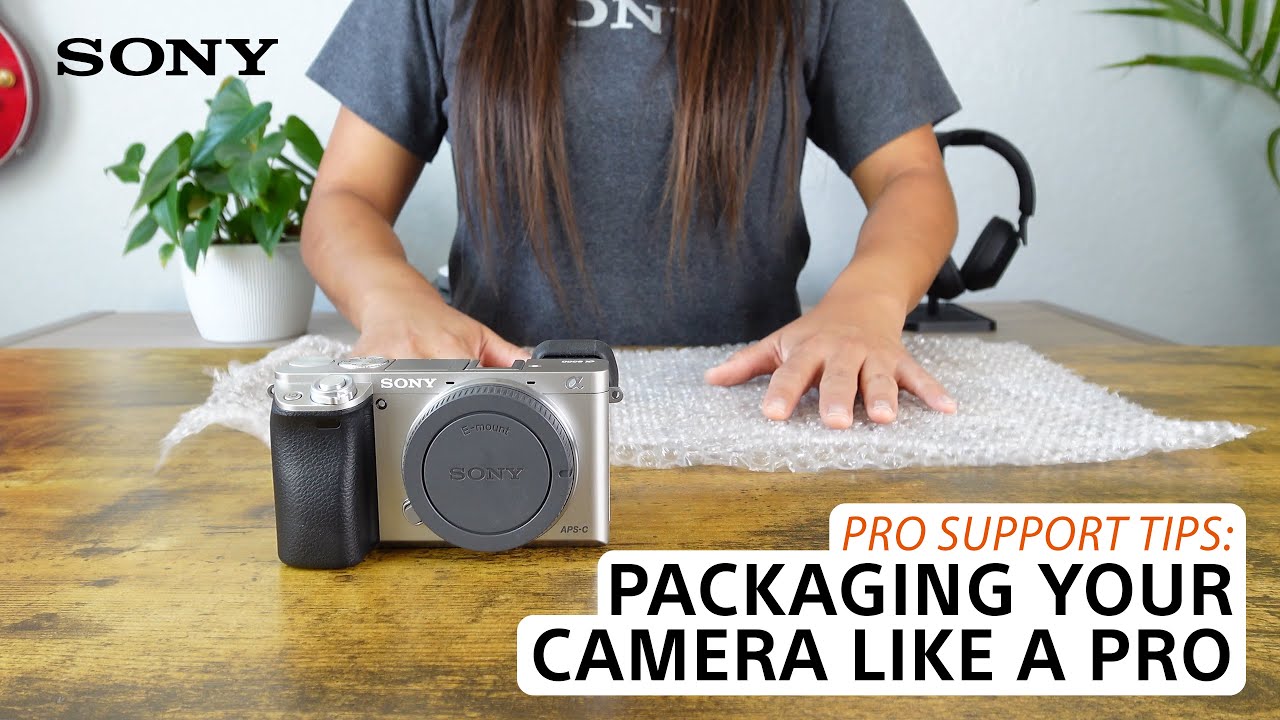
      [VIDEO] Pro support tips when packaging your camera or camcorder for shipping to service or transport
      > Watch this video in the article

      Please accept Youtube cookies to watch this video

      Access your cookie preferences below and make sure to switch on the Youtube cookie under the 'Functional' section.
      Sony Rewards
      • Join Now
      • Learn More
      • Manage Account
      Consumer Electronics
      • Press Releases
      • About Sony
      • Accessibility
      • Electronics Store
      • Electronics Registration
      • Electronics Newsletter
      • Authorized Retailers
      • Product Support
      Professional Products & Solutions
      • Technology
      • Events
      • Insight
      • Press Center
      • Recycling
      • Locate a Dealer
      • Product Support
      Other Sites
      • PlayStation
      • Sony Pictures
      • Sony Music
      United States

      CareersContact UsCompany InfoVoluntary Recall

      Like us on Facebook

      Visit us on Facebook

      Follow us on Twitter

      Visit us on Twitter

      Follow us on Instagram

      View on Instagram
      © 2023 SONY ELECTRONICS INC. (SEL)

      SEL TERMS AND CONDITIONSProfessional Terms & ConditionsSEL PRIVACY POLICYCA PRIVACY NOTICEHealth Data Privacy PolicyYour Privacy ChoicesMANAGE COOKIES