Sony SupportAndroid TV | Google TV (LCD)

XBR-65Z9F

Z9F| MASTER Series | LED | 4K Ultra HD | High Dynamic Range (HDR) | Smart TV (Android TV) / Included components may vary by country or region of purchase: RMF-TX220U

  • Specifications
  • Product Highlights
  • Accessibility
AllDownloadsManuals & WarrantyQuestions & Answers
Product Alerts

Popular Topics

Setup and Troubleshoot Video Streaming Services
How to wirelessly display phone and tablet content on your TV using casting, AirPlay, screen mirroring, or Wi-Fi Direct
Channels from the YouTube TV app are missing from the Live tab channel list on certain Google TV models
Android TV FAQ - Picture and Screen
FAQ about Android TV system software / firmware updates and apps
TV Audio and Sound FAQ & Troubleshooting
My TV doesn't turn on or have power
TV wall mount FAQ

Product Alerts

  • End of support notification for products using the Windows 10 operating system
  • TikTok ending on televisions
  • Crackle service ended
  • 3rd party sign-in IDs ending for Sony cloud services
  • Electronic Equipment Recycling and Reuse
  • Data Controller Change (April 2021)
  • Transfer your Google Play Music account to YouTube Music
  • Unable to complete the Privacy Policy on my Android TV
  • Notice of Limited Warranty Updates for Sony Electronics Inc. and Sony of Canada Ltd.
  • YouTube for TV App Error

Downloads

  • All
  • System Software
Release Date
  • Firmware update to v6.6212 for North AmericaRelease Date: 01/27/2026
    01/27/2026

Support by Sony App

Get notifications about the latest firmware updates, product alerts, and more. Download the app today!

Manuals & Warranty

  • English
  • Spanish
File Size
Release Date
  • [PDF]Warranty(4.01 MB)Release Date: 06/06/2025
    4.01 MB
    06/06/2025
  • Help Guide (Web manual)File size is not provided.Release Date: 10/30/2023
    10/30/2023
  • [PDF]Startup Guide(425 KB)Release Date: 11/21/2018
    425 KB
    11/21/2018
  • [PDF]Reference Guide(1.04 MB)Release Date: 09/20/2018
    1.04 MB
    09/20/2018
  • [PDF]Child Safety: TV Placement Matters(813.3 KB)Release Date: 02/03/2016
    813.3 KB
    02/03/2016

Product Self-Repair Manual Insert

For availability of repair parts and instructions, please visit the Self Repair section on our Product Repair page.

How to find information in the TV manuals

Purchase Printed Manuals

If you prefer a paper hard copy of a manual listed on this page, you can purchase it from the True Manuals web site.

Questions & Answers

  • All
  • Apps
  • Home Screen
  • Screen Mirroring & Apple Airplay
  • Supplementary Information
  • How to perform a software update on your TV
  • How to install apps on a Google TV or Android TV
  • How do I set up an Android TV for the first time?
  • Remove / uninstall an App on a Google TV or Android TV
  • Channels from the YouTube TV app are missing from the Live tab channel list on certain Google TV models
  • Product Repair

    Repair information and service assistance

  • Community

    Here you can ask questions and connect with other Sony users

  • Parts & Accessories

    Product information and sales assistance

  • Register a Product

    Keep track of all your products in one location

  • Contact Support

    Product support & customer relations

  • Support by Sony (Mobile App)

    Get Support Content on the Go!

    Get it on Google PlayDownload on the App Store

Videos

Open video player
How to listen to your TV from the Bravia TV and headphones or audio device at the same time
> Watch this video in the article
Open video player
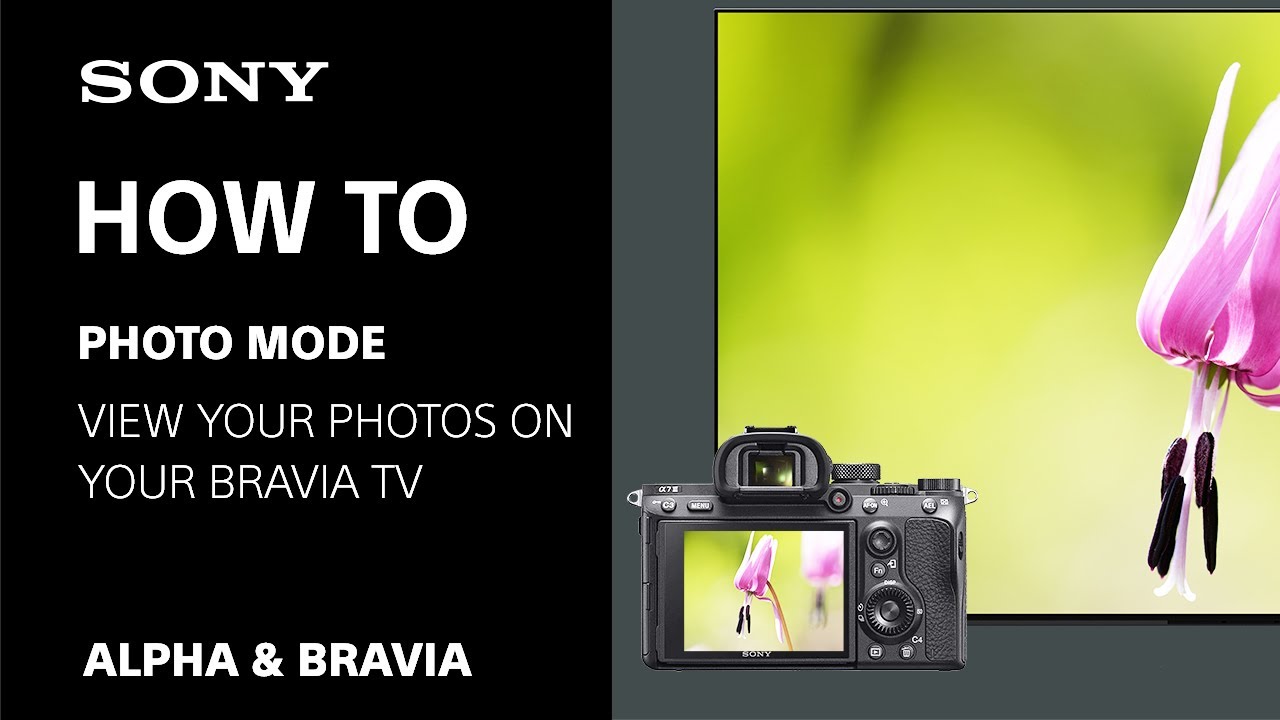
[VIDEO] Photo mode / Professional mode: Viewing or editing your photos on Sony's Google TV and Android TV
> Watch this video in the article
Open video player
[VIDEO] How to update your Sony BRAVIA TV with a USB flash drive
> Watch this video in the article
Open video player
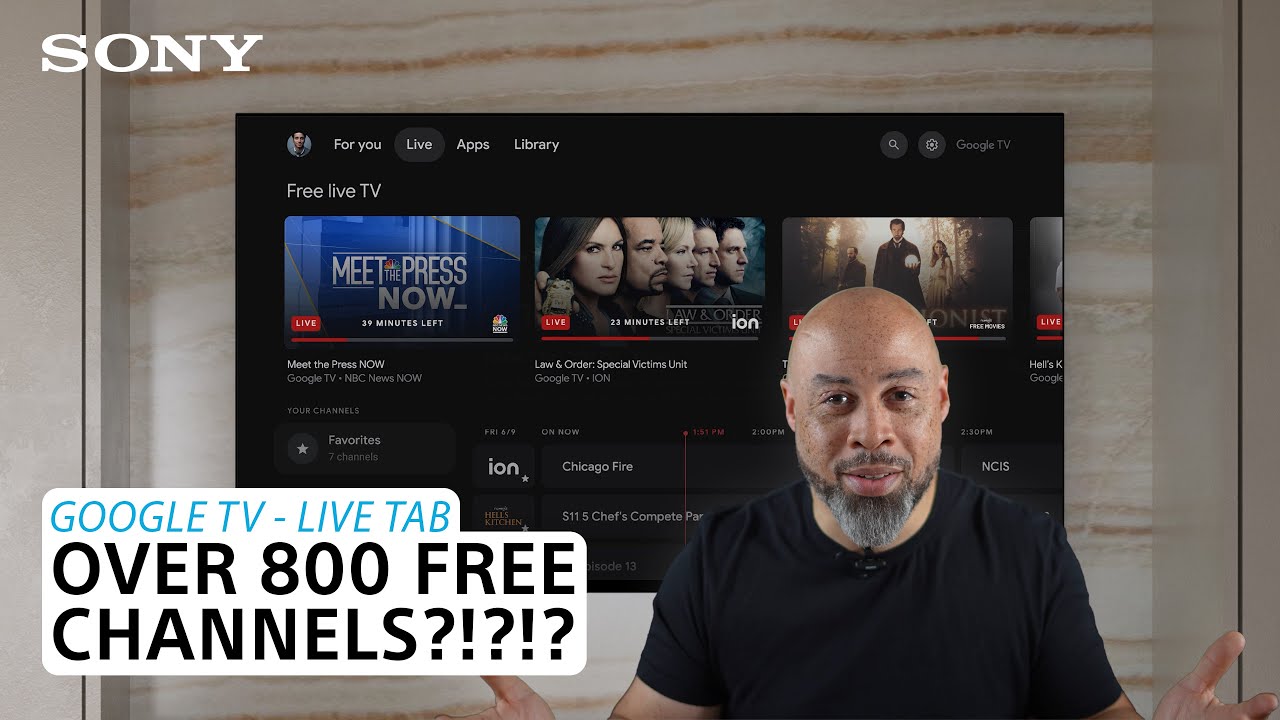
[VIDEO] How to view free channels with your Android TV with Google TV
> Watch this video in the article

Please accept Youtube cookies to watch this video

Access your cookie preferences below and make sure to switch on the Youtube cookie under the 'Functional' section.