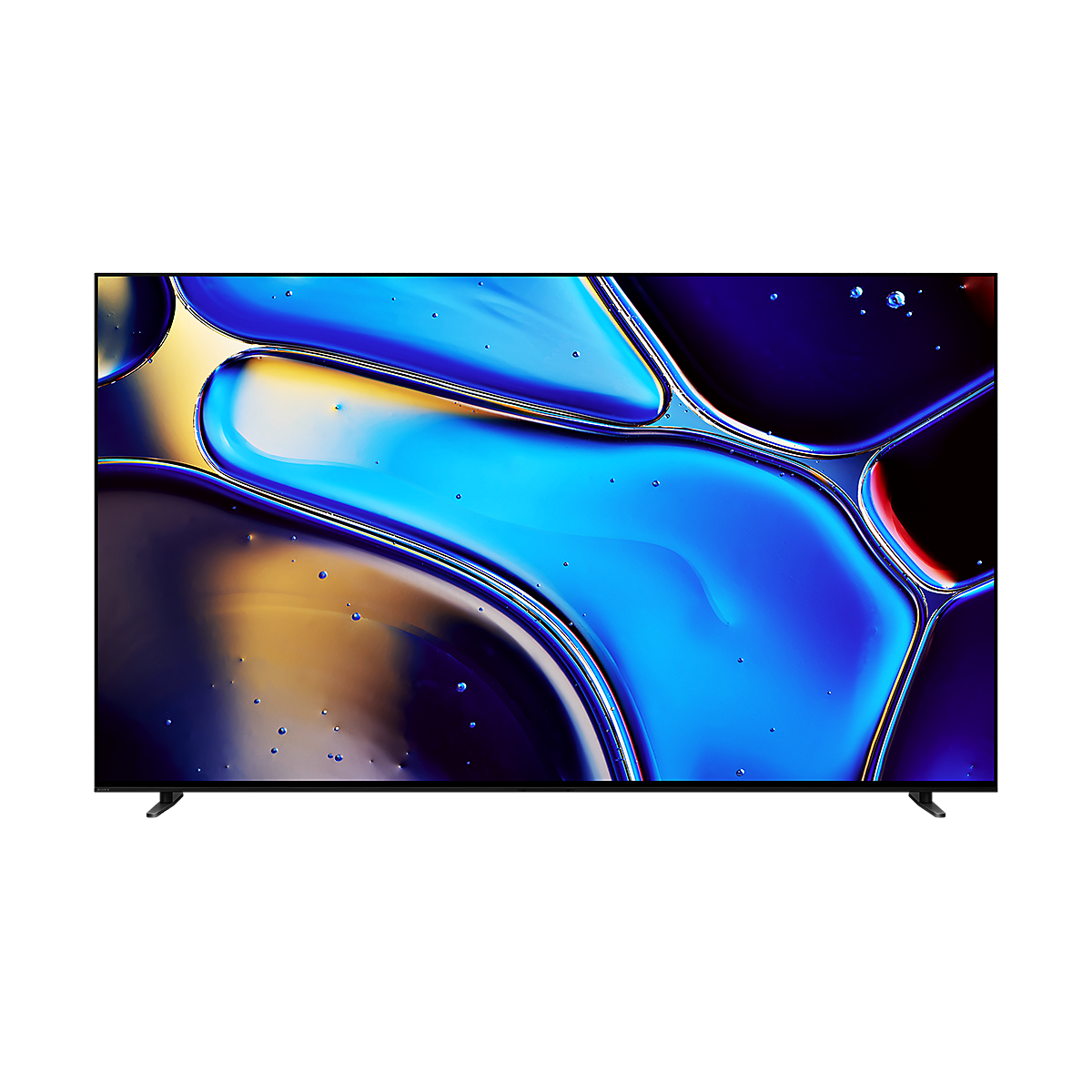
Front view of BRAVIA 8 with screenshot of blue water droplets
BRAVIA 8 | XR Processor | OLED | 4K Ultra HD | High Dynamic Range (HDR) | Smart TV (Google TV)

BRAVIA 8

NEW
BRAVIA 8

Environment and Accessibility

Love the planet, smart for all

BRAVIA is designed to harmonise with people's needs while respecting natural resources. We're accelerating our accessibility initiatives, enabling people who are blind or deaf to use Sony's devices, and expanding our environmental initiatives by incorporating recycled plastic into our products. Entertainment becomes more inclusive and enjoyable for all.

A scenic landscape and a collage of diverse people symbolising BRAVIA's focus on environmental sustainability and accessibility for all.

Environment

Balancing environment and entertainment

Less environmental impact, more immersive pictures and sound. BRAVIA™ helps you optimise energy consumption with the Eco Dashboard while reducing virgin plastic use by approximately 60% and cutting packaging size by 15% and total weight by 12%.

Illustration of BRAVIA's eco-friendly features, highlighting reduced plastic use and energy optimisation.

Check your eco settings. See your power usage.

Easily change eco settings, individually or in one go. Eco Dashboard 2 puts everything conveniently in one place and can even monitor your power consumption for optimum efficiency.01
Screenshot showing trees and hills with Eco Dashboard menu below and Power saving mode highlighted

Easy to find, clean and use anytime. Made with recycled plastic.

Truly multifunctional. Our compact and rechargeable premium remote uses approximately 80%0 recycled plastic. Yet it's easy to use in the dark, easy to find, easy to clean and controls your connected devices.123


Top half of remote commander

Beautiful design. Made durable. With less virgin plastic.

Think of the planet. Our TVs use Sony-developed SORPLAS™ recycled plastics, reducing virgin plastic use by 60% while maintaining durability, and 48% less plastic in our packaging.0123
Graphic showing three circles connected by arrows: the first circle contains CDs and a bottle, the second circle recycled materials and the third circle a BRAVIA TV

Less packaging. Less CO2.

Our packaging is 15% smaller and 12% lighter which optimises transport efficiency and reduces CO2 emissions by as much as 15%.0
Graphic showing two trucks, one above the other connected by an arrow and the words SIZE 15% and CO2 15%: the first truck has a large exhaust cloud of CO2, the second truck a smaller exhaust cloud of CO2

Accessibility

Accessibility for all, whatever your needs

Technology that adapts to you. No matter your age, ability or environment, we make it easier for everyone to see, hear and enjoy the best of entertainment.

A collage of diverse people symbolising BRAVIA's focus on environmental sustainability and accessibility for all.

Talkback and text magnification functions

Talkback allows you to check the TV programme guides on screen or to change TV settings without looking at the screen, while the Text Magnification will display an enlarged version of the focused text at the bottom or top of the screen.012
Screenshot of Talkback and text magnification features on a BRAVIA TV.

Accessible for all

To help people who are blind or have low vision set up the soundbar, tactile dots indicate a QR code for the BRAVIA Connect app, which offers screen reader support. Tactile dots on the back panel indicate the eARC HDMI terminal for connecting to a TV.0
A collage of a close-up view of BRAVIA TV's eARC HDMI ports, featuring tactile dots for accessibility and a QR code to the BRAVIA Connect app.

Single view, simultaneous sound

Our TV with simultaneous sound output lets you listen to a show on your headphones while your partner listens to the same show through the TV speakers. You can also change the volume using Bluetooth devices separately.  Using Sony's headphone, you can smoothly switch Bluetooth® connection from other devices.
A TV screen with blue sound waves showing the ability to listen via TV speakers and Bluetooth headphones simultaneously.

Accessibility shortcut

Accessibility shortcut allows you to quickly and easily turn your accessibility features on or off by long-pressing the mute button on your remote control. You can assign an accessibility feature you use the most to this shortcut.
Accessibility settings screen showing the option to enable the accessibility shortcut.

Closed caption

Closed captions provide on-screen transcriptions of spoken words and sound effects in your favourite shows and movies. Use the subtitle settings to capture every detail and make content accessible.
Accessibility settings screen showing the 'Subtitle settings' option along with additional settings.